


Fleet operations for vessel owners
Total visibility over your fleet,and what it's really costing you.
Noon reports, fuel and bunkers, certificates, stores and live positions in one system. Filed on board by tablet, read in your office or on your phone.
Inside the web app
What your office sees.
Every vessel at its latest AIS position, with speed, voyage and what needs your attention today.
Each report as the crew filed it on board: distance run, fuel used, fuel on board, position and weather.
Tank by tank, with daily consumption and the days left at the current burn.
Missing reports, expiring certificates and consumption that drifts, worst first.
Requisitions raised on board, approved by the Master and followed through to receipt.
On board and ashore
Two sides, one record.
What the crew file on the tablet is what the office reads in the web app. No retyping, no spreadsheets passed back and forth, no second version of the numbers.
On board
Tablets the crew actually use
The Master or Chief Officer and the Engine Room each file on the vessel's tablet, Android or iPad. It works offline at sea and sends everything the moment there is signal.
- Bridge: noon, arrival and departure reports
- Engine Room: fuel on board, tank by tank
- Stores, orders and waste, from the Bridge
Ashore
The office web app
The same report reaches the office in one standard shape, so fuel on board, consumption and bunkerings line up across every vessel.
The platform
Seven areas, one system.
Every area works from the same reports, so a figure on one page is the figure on every other.
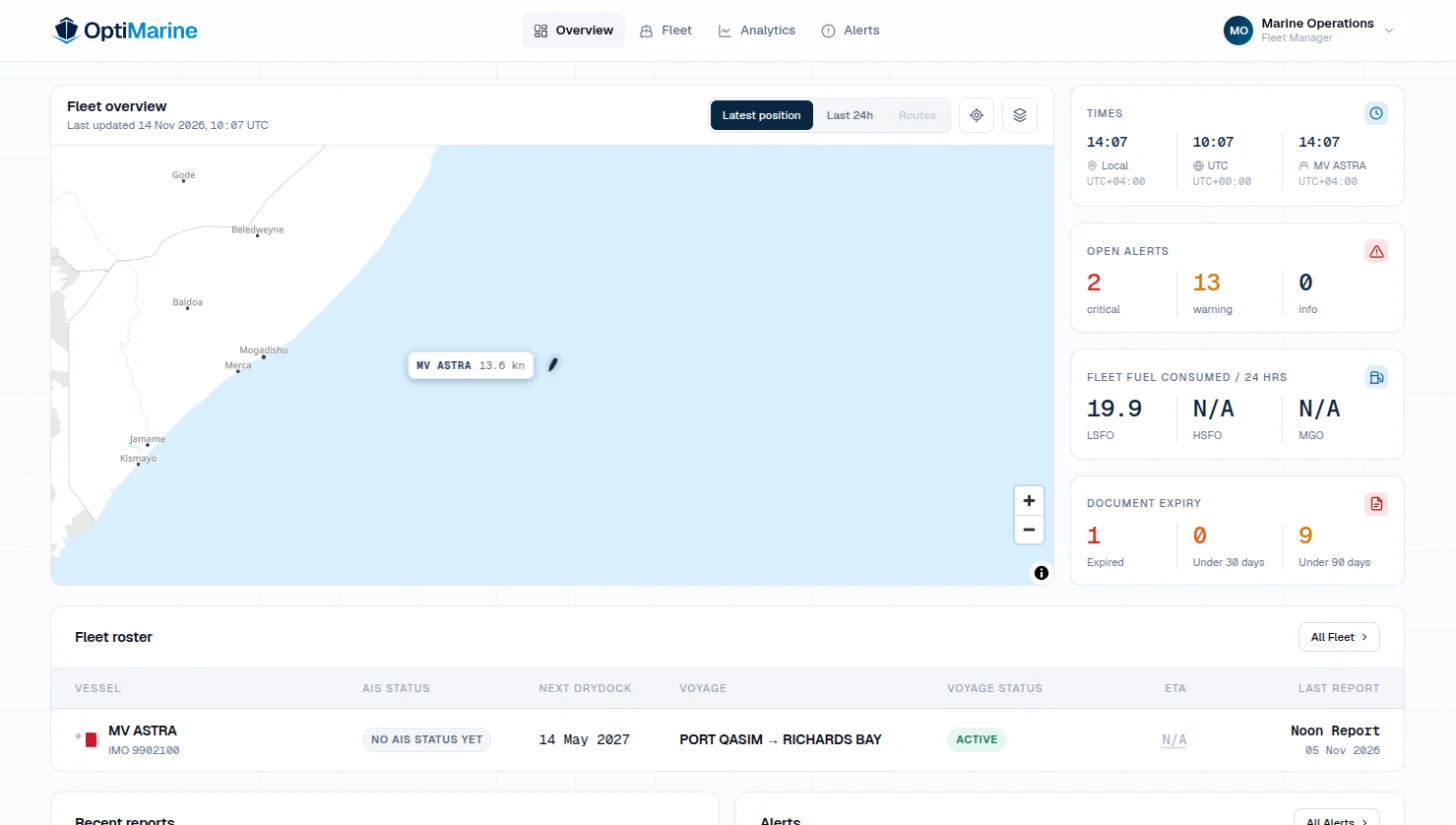
Fleet overview
Every vessel on one map, with live AIS position, speed and voyage, and what needs your attention today.
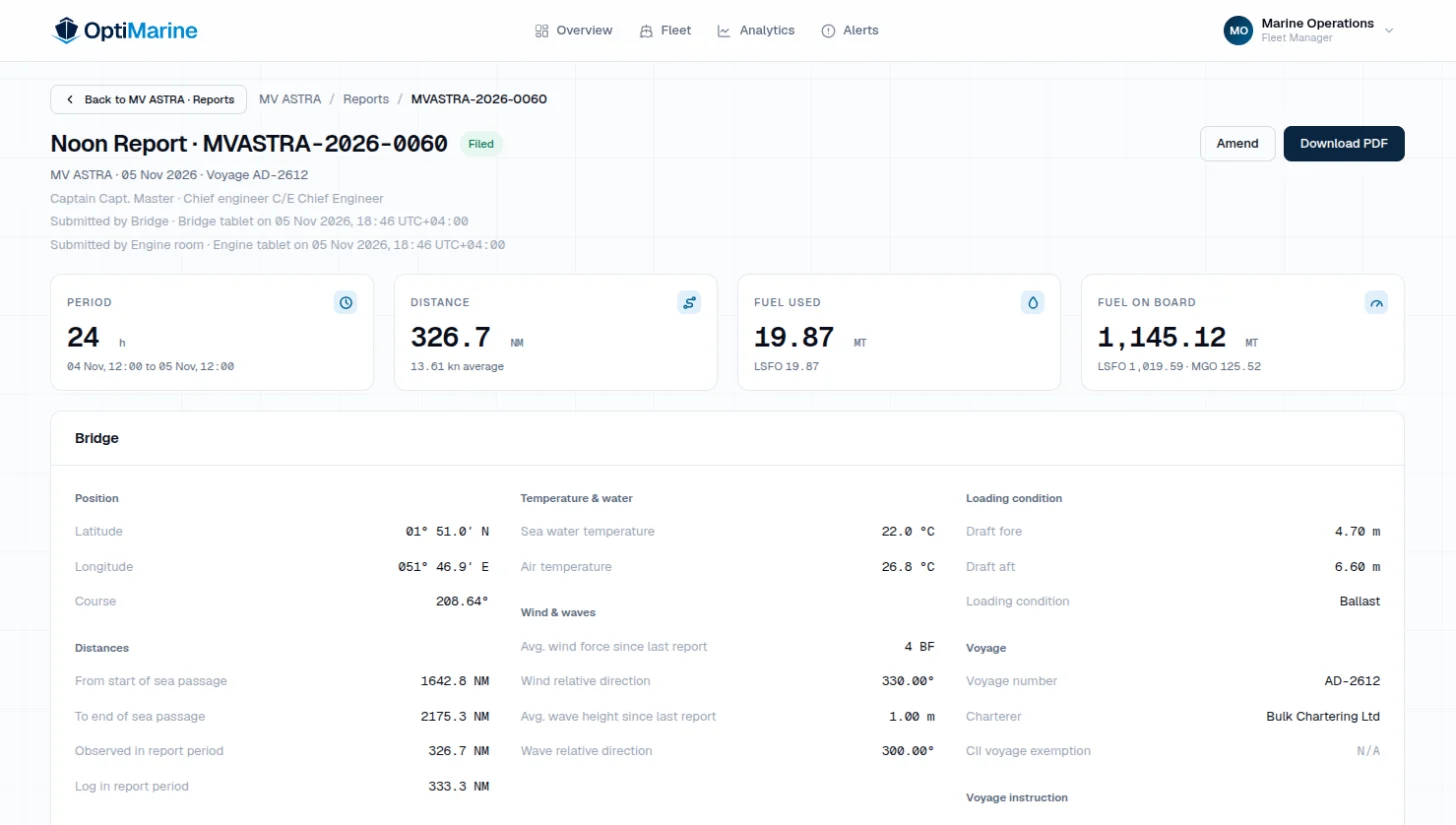
Onboard reporting
Noon, arrival and departure reports from the Bridge and the Engine Room, with or without a connection.
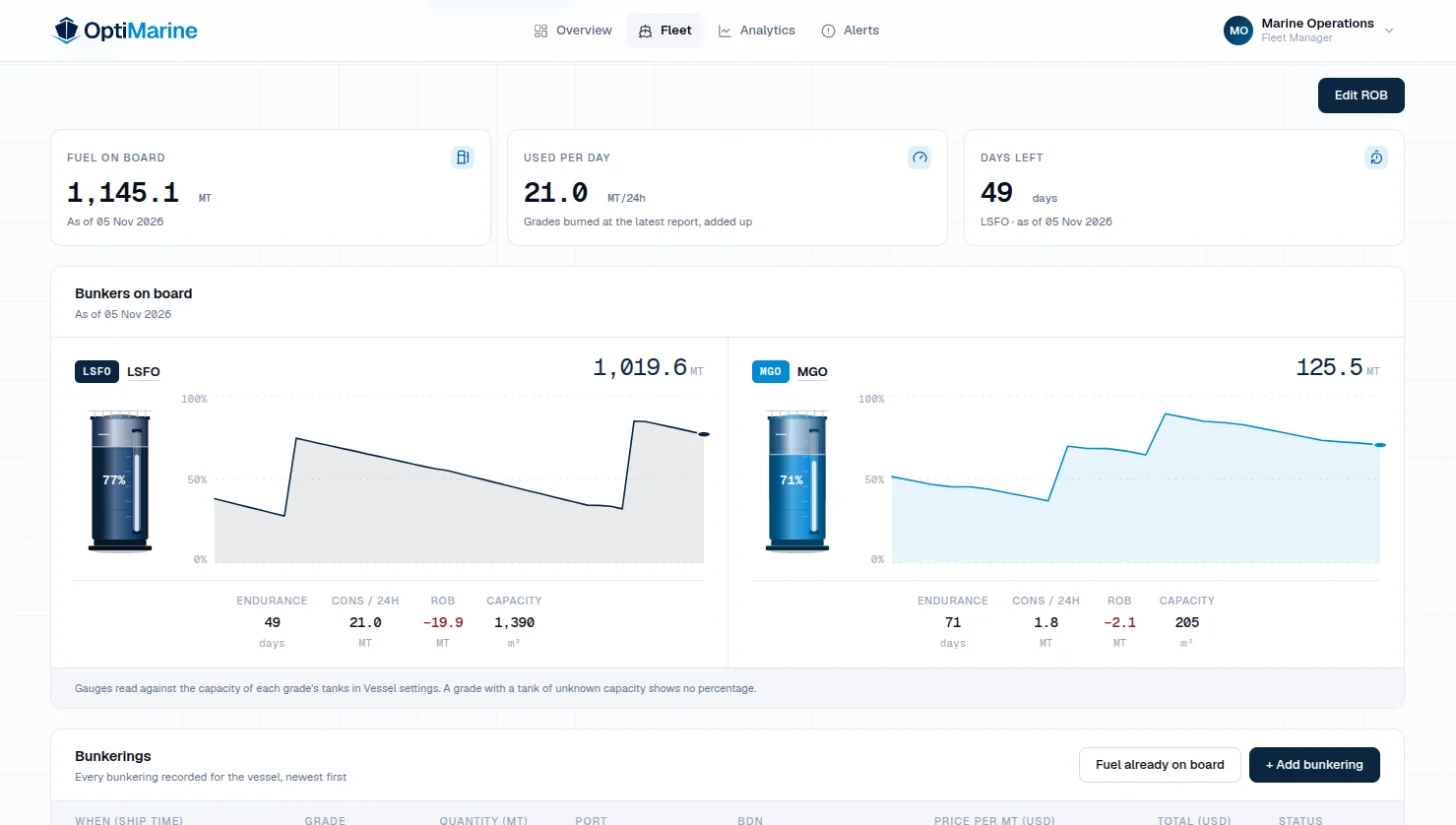
Fuel and emissions
Bunkerings with their BDN, fuel on board tank by tank, daily consumption and the CII rating.
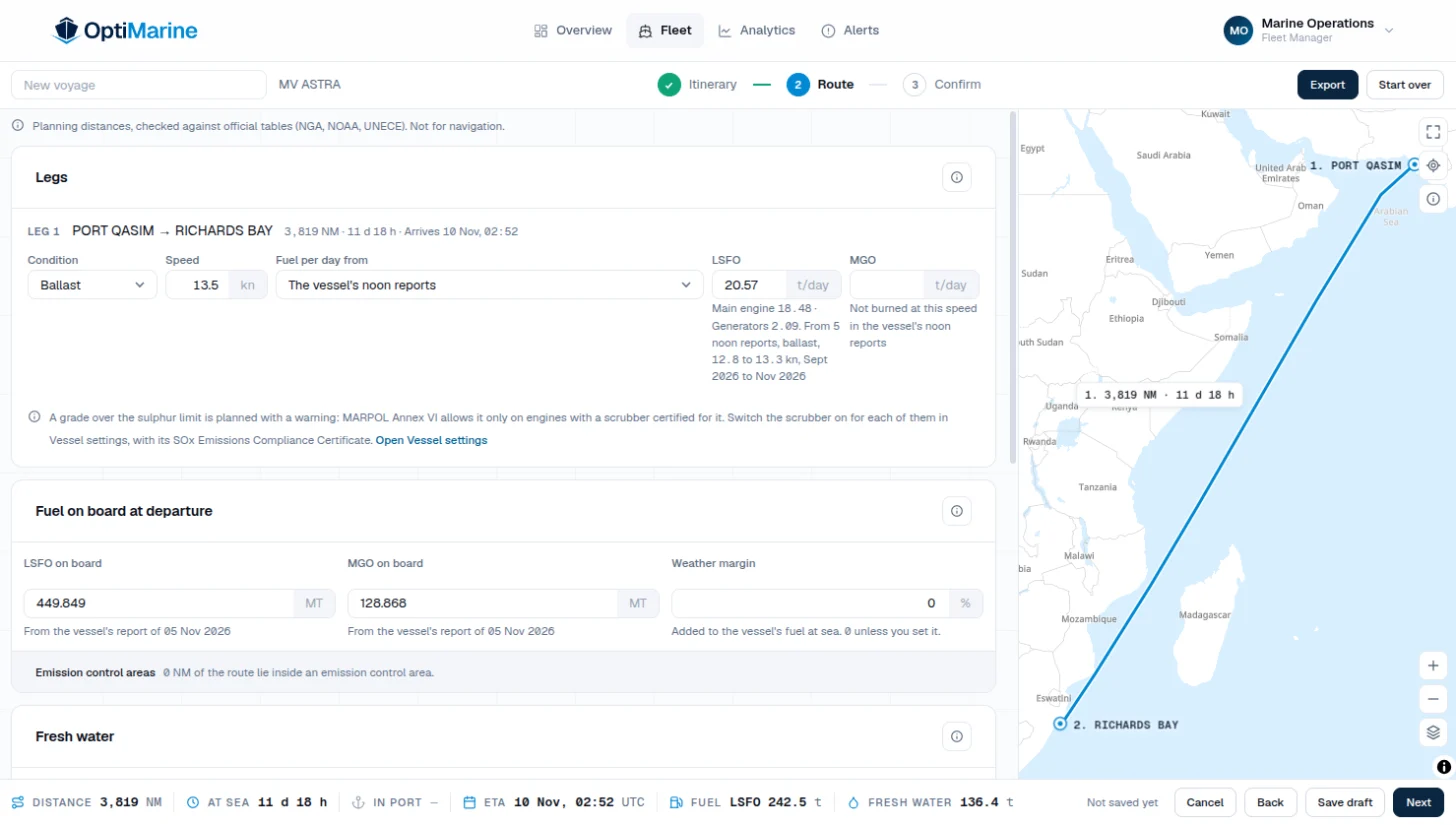
Voyage planning
Plan port by port and see the fuel and fresh water the vessel needs before it sails.
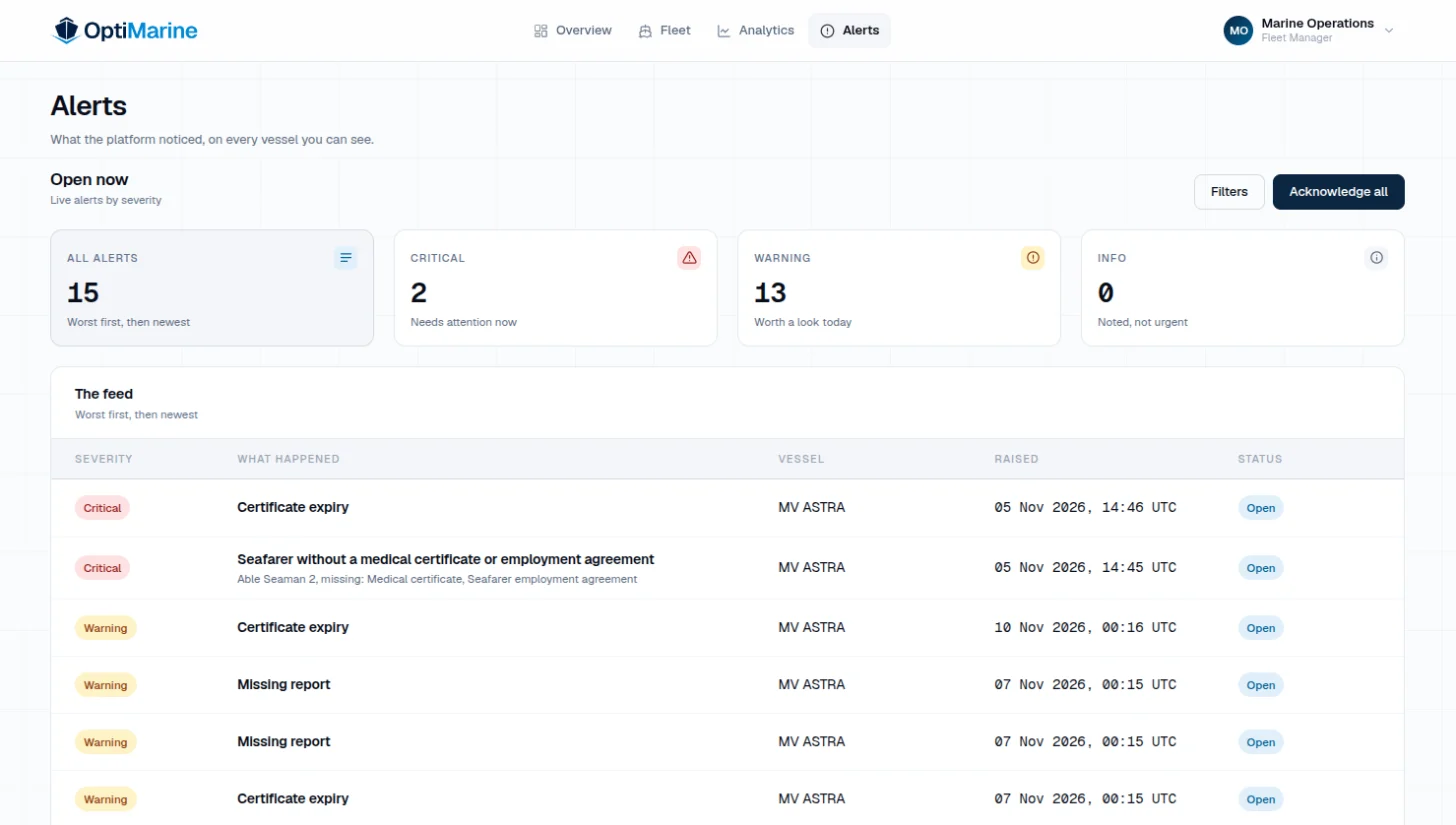
Alerts
Missing reports, consumption that drifts and surveys coming due, in one feed.
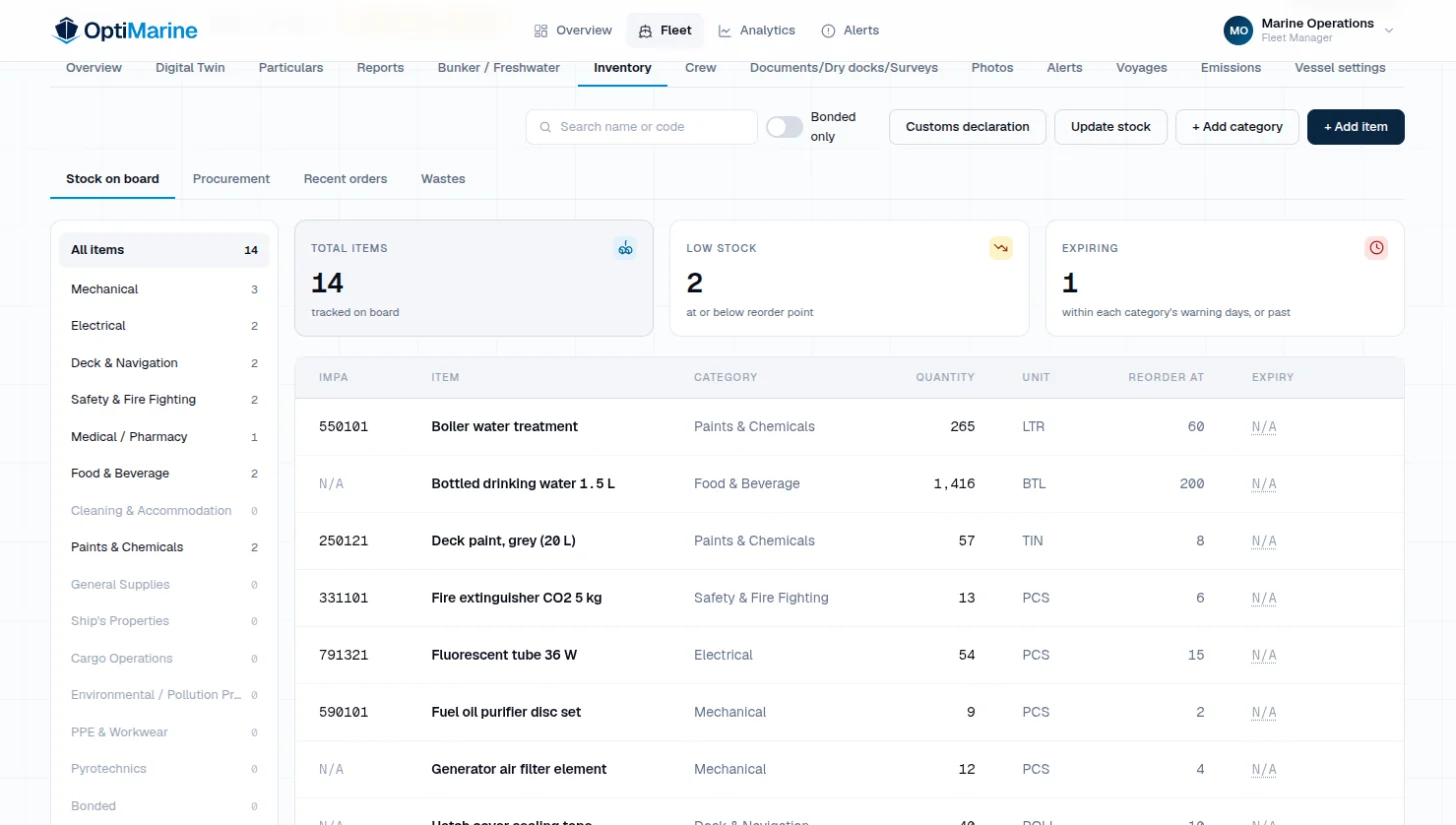
Stores and procurement
Stores item by item and orders from requisition to receipt, shared with the vessel.
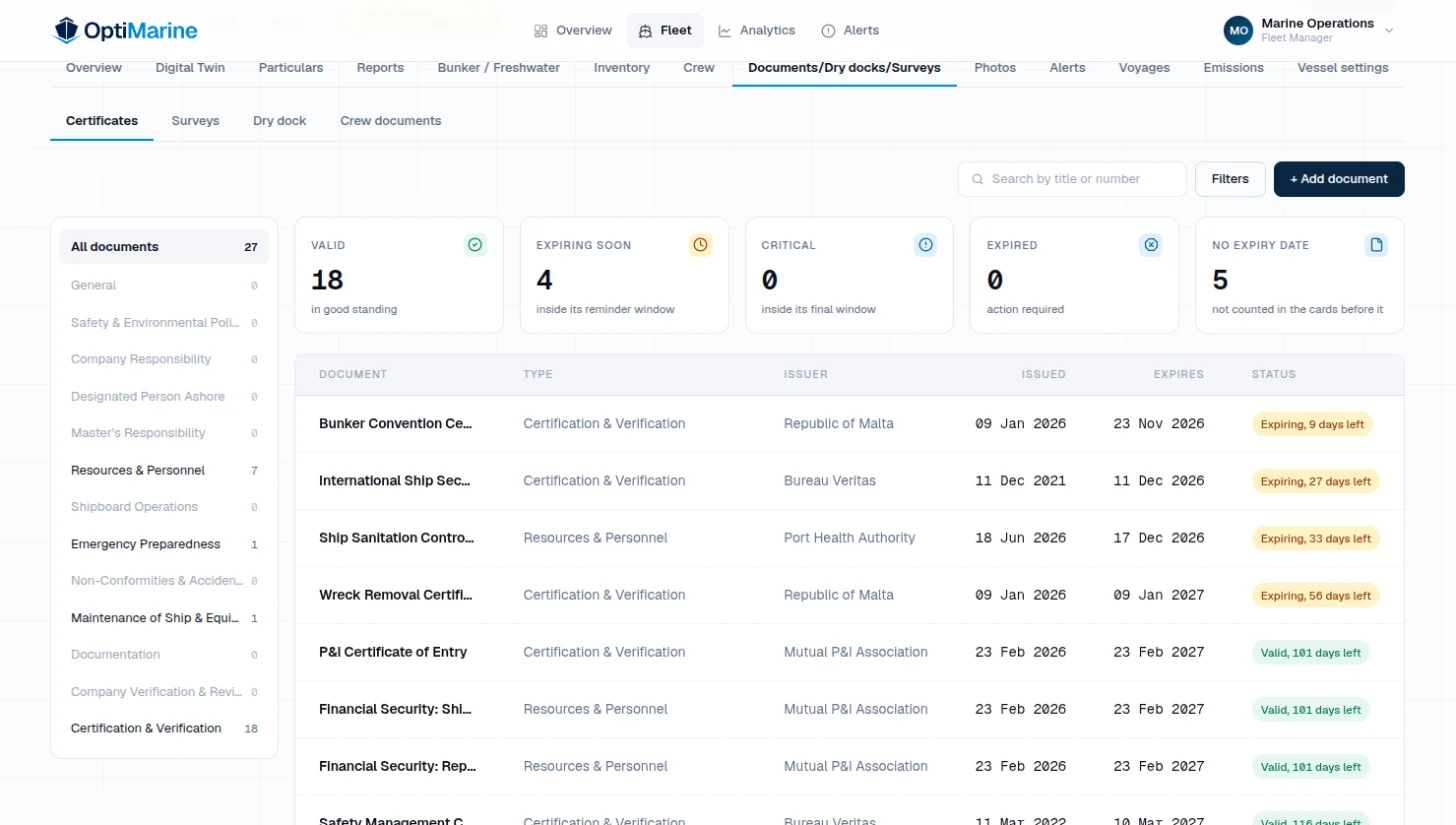
Compliance
Certificates, surveys, dry docks, crew documents and rest hours for MLC.


How it works
From the bridge to your desk, in four steps.
- 01
Captured on the tablet
The crew file the report in a few taps, with the fields and checks it needs, so the numbers are right the first time.
- 02
Kept offline, synced on signal
At sea without a connection, every report is stored on the tablet and queued, then sent ashore the moment there is signal.
- 03
Standardized on arrival
Every report reaches the platform in one consistent shape, so any two vessels compare cleanly.
- 04
Figures and alerts for the office
Fuel, stores, voyages and certificates become figures you can act on, and your alert rules flag what needs you first.
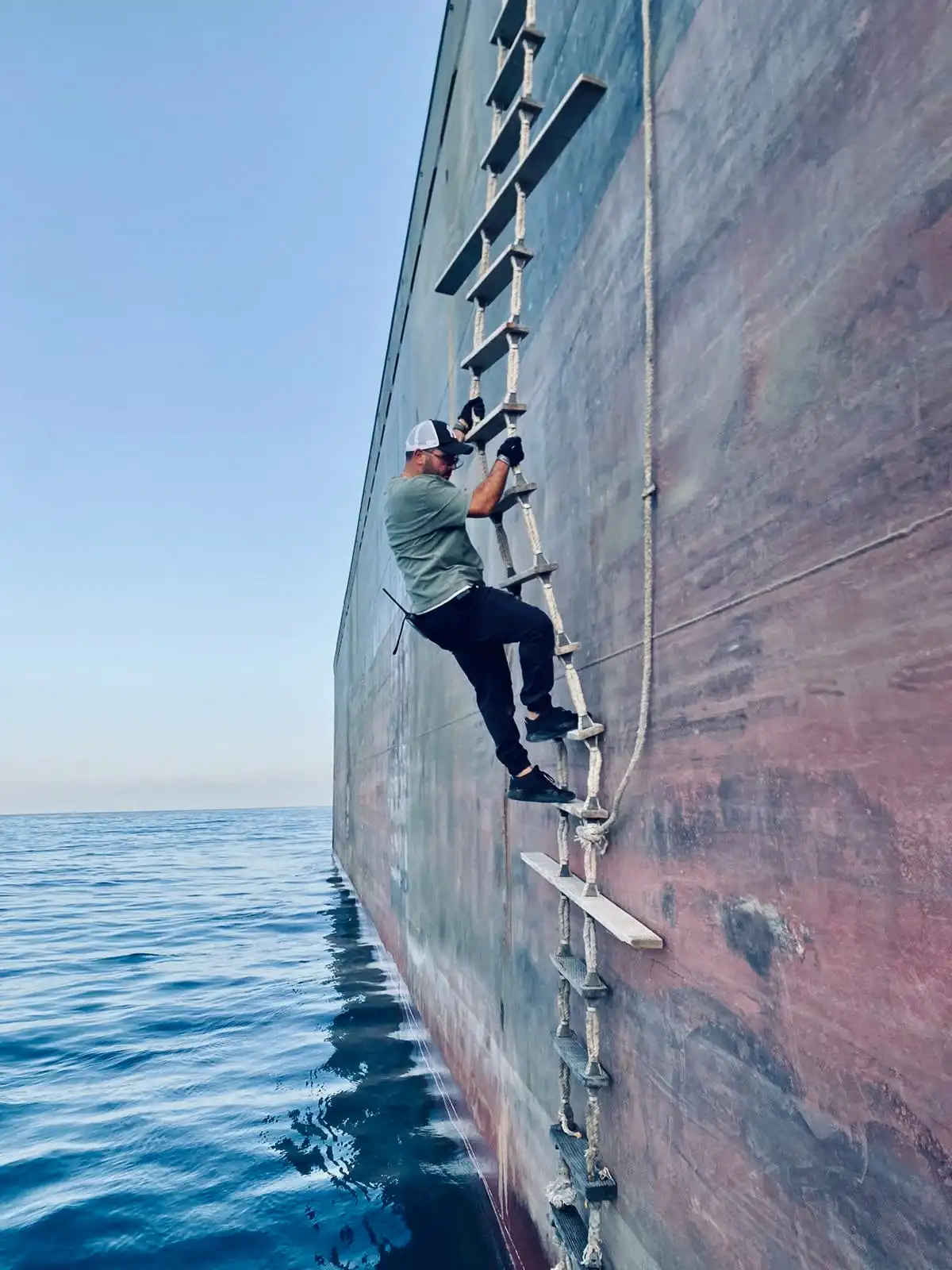
Built by an owner
I built OptiMarine because I was tired of running my fleet on email, spreadsheets and guesswork.
I have spent years running vessels, and I have lived every gap this platform closes. Operational truth gets lost between the ship and the office: buried in inboxes, retyped into spreadsheets, and caught too late to act on.
So the brief was simple: build the tool I always wished I had. Fast enough that the crew actually use it, and clear enough that I trust every number in it.
Alexandre KfouryFounder · Shipowner and operator
Security
Your fleet's data stays yours.
Kept apart
Each company's data, walled off
Row-level security on every company table in the database: a query made for one company cannot return another's records.
Roles
Your own sign-in, your own role
Everyone in the office signs in with their own account and role. On board, each tablet role opens with its own PIN.
Privacy
Nothing tracks you
No analytics, no crash reporting and no cookies in the web app or on the tablet. The tablet reads its position only when the crew ask it to.
Request a demo
See it on your own fleet.
Tell us about your vessels and we'll walk you through OptiMarine on real vessel data, starting with what you want to fix.
We reply within one business day.
Prefer email? info@optimarine.io